
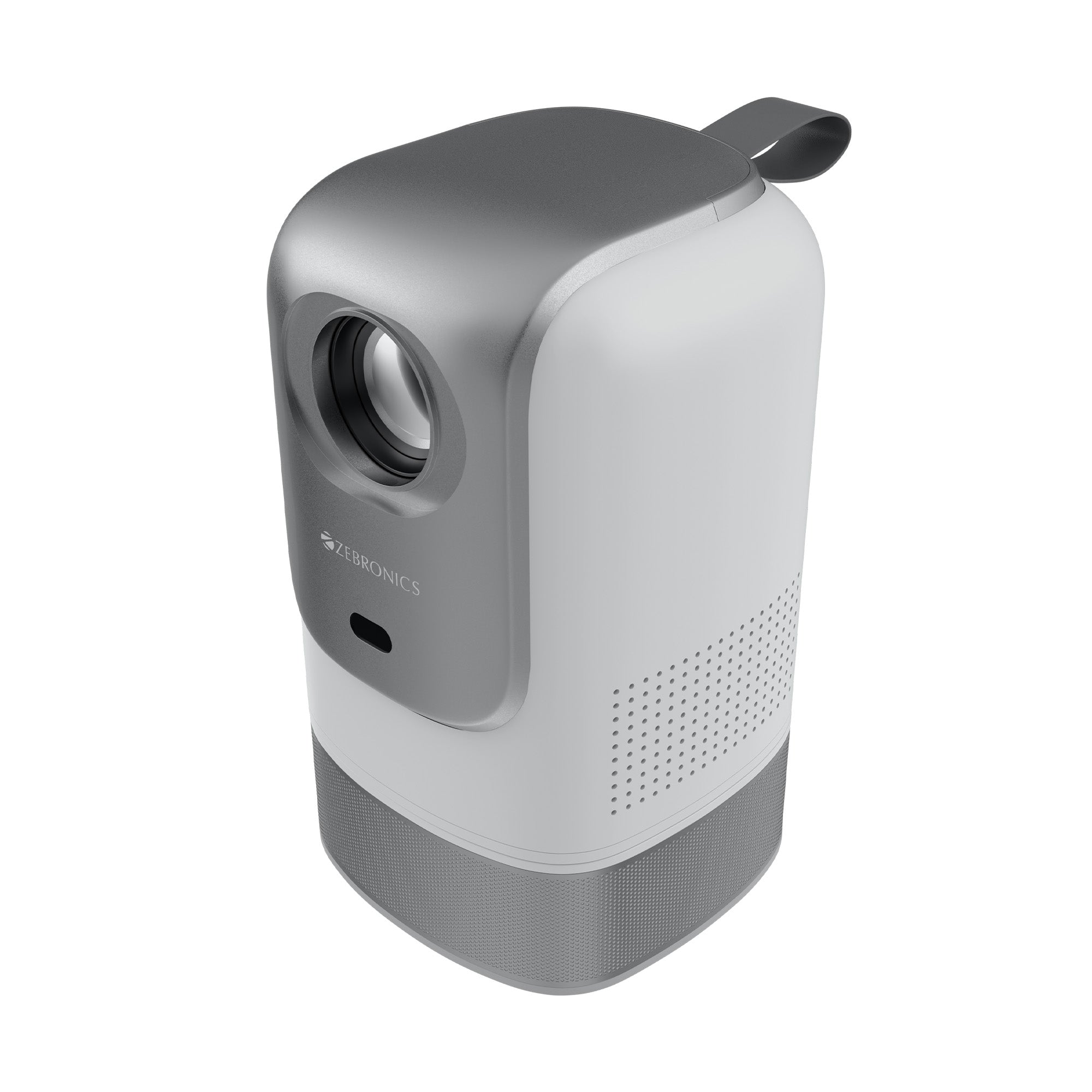


PixaPlay 77G (Official Google TV Projector with 4K support)

PixaPlay 77G (Official Google TV Projector with 4K support)

Sale price₹ 19,999.00 Regular price₹ 54,999.00
Save 64%

Tax included. Shipping calculated at checkout

4k Support | Smart Projector | 7500 Lumens | Built in Speaker

Quantity:

Product Information

Features


Home Theater Projectors for Movies, TV & Gaming etc..

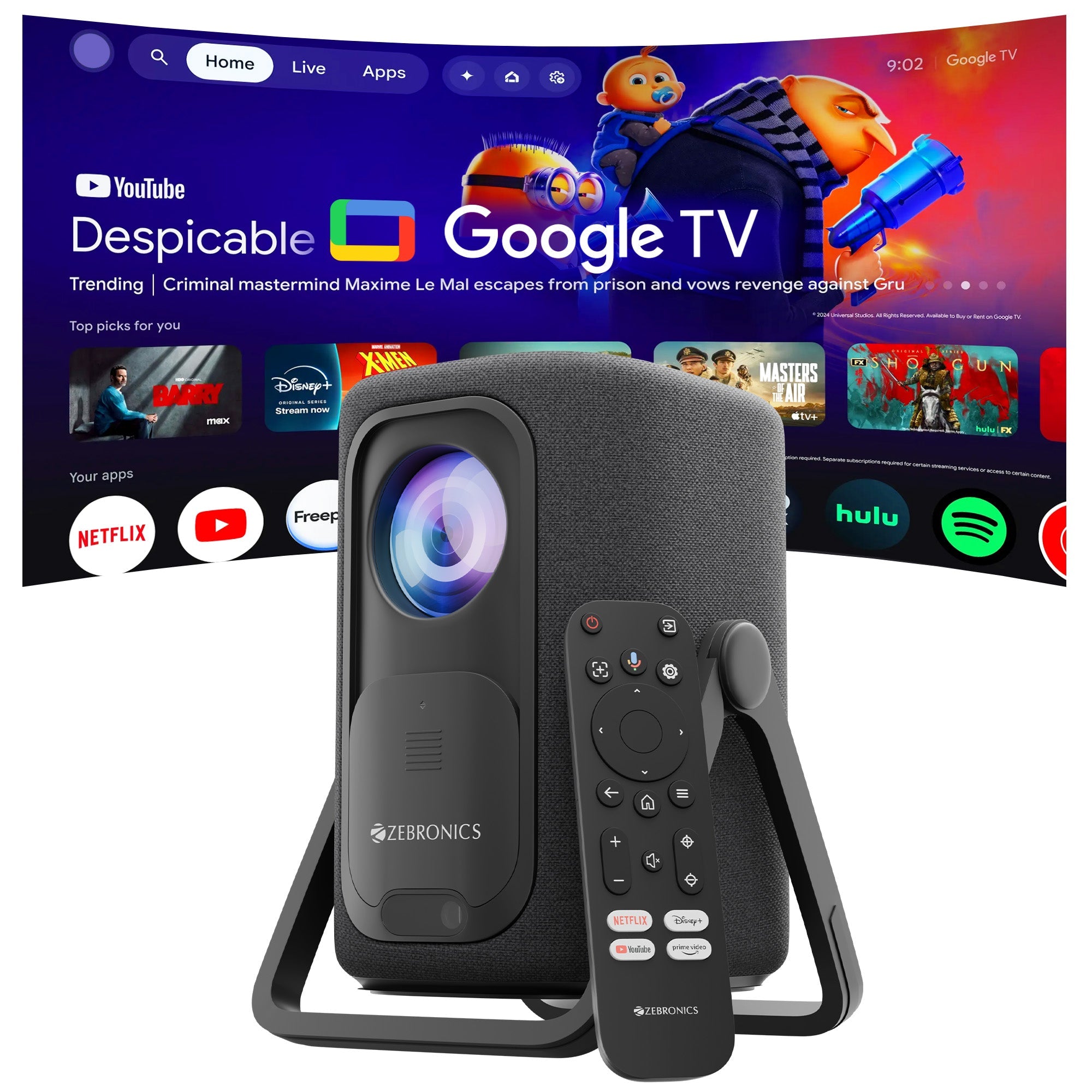
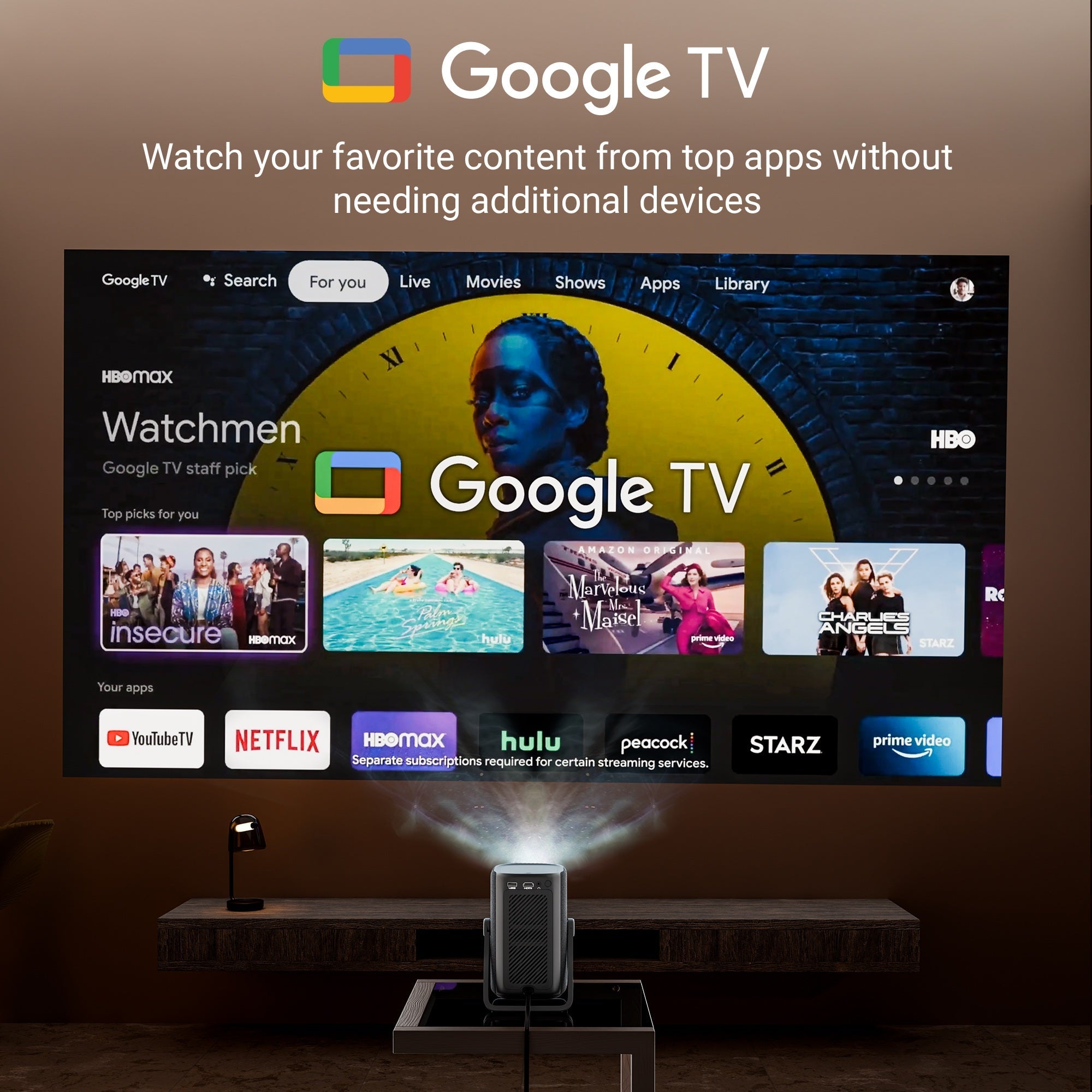
Projector With Google TV

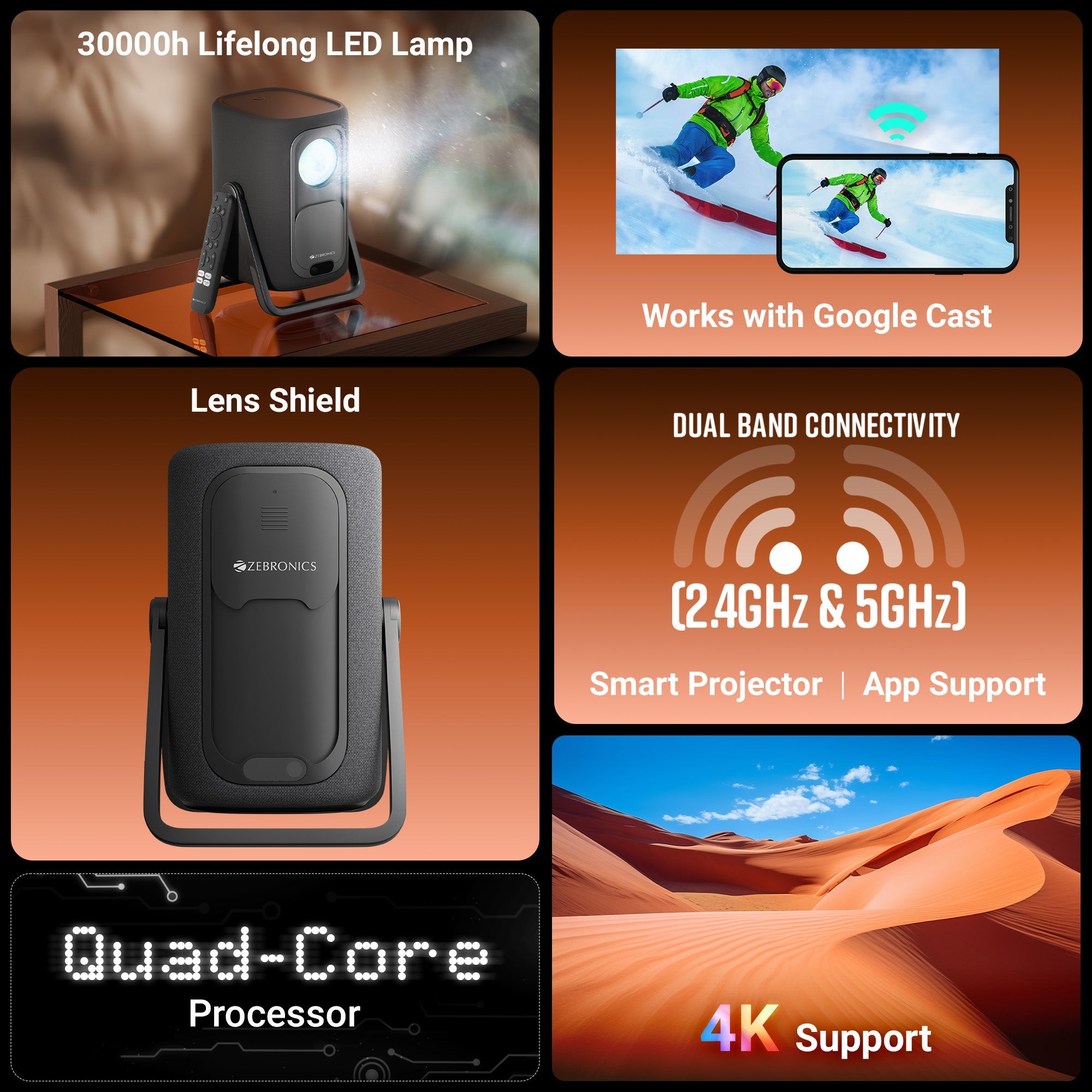
Works with Google Cast

DRM L1

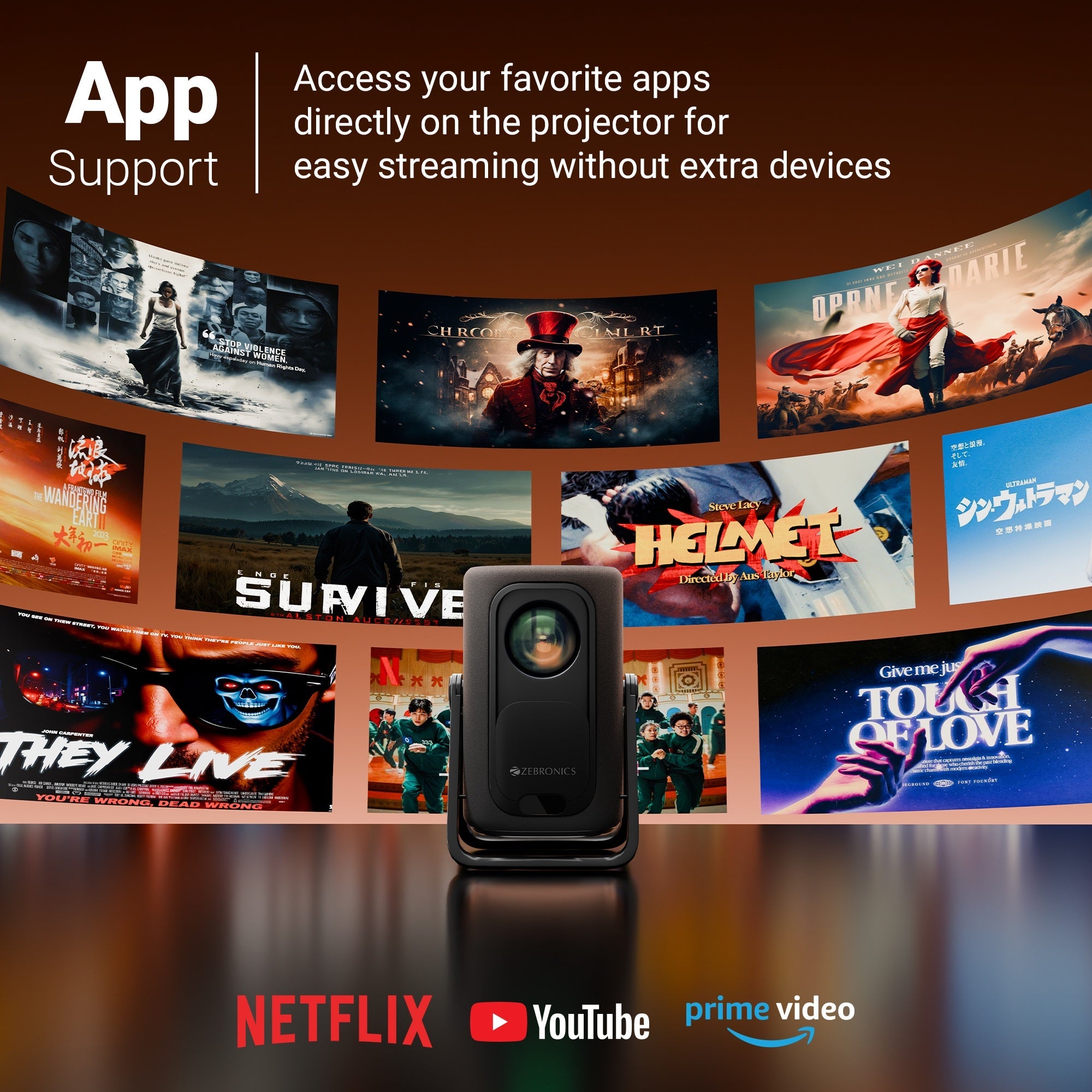
Netflix | Youtube | Prime Video | Jio Hotstar

4K Support

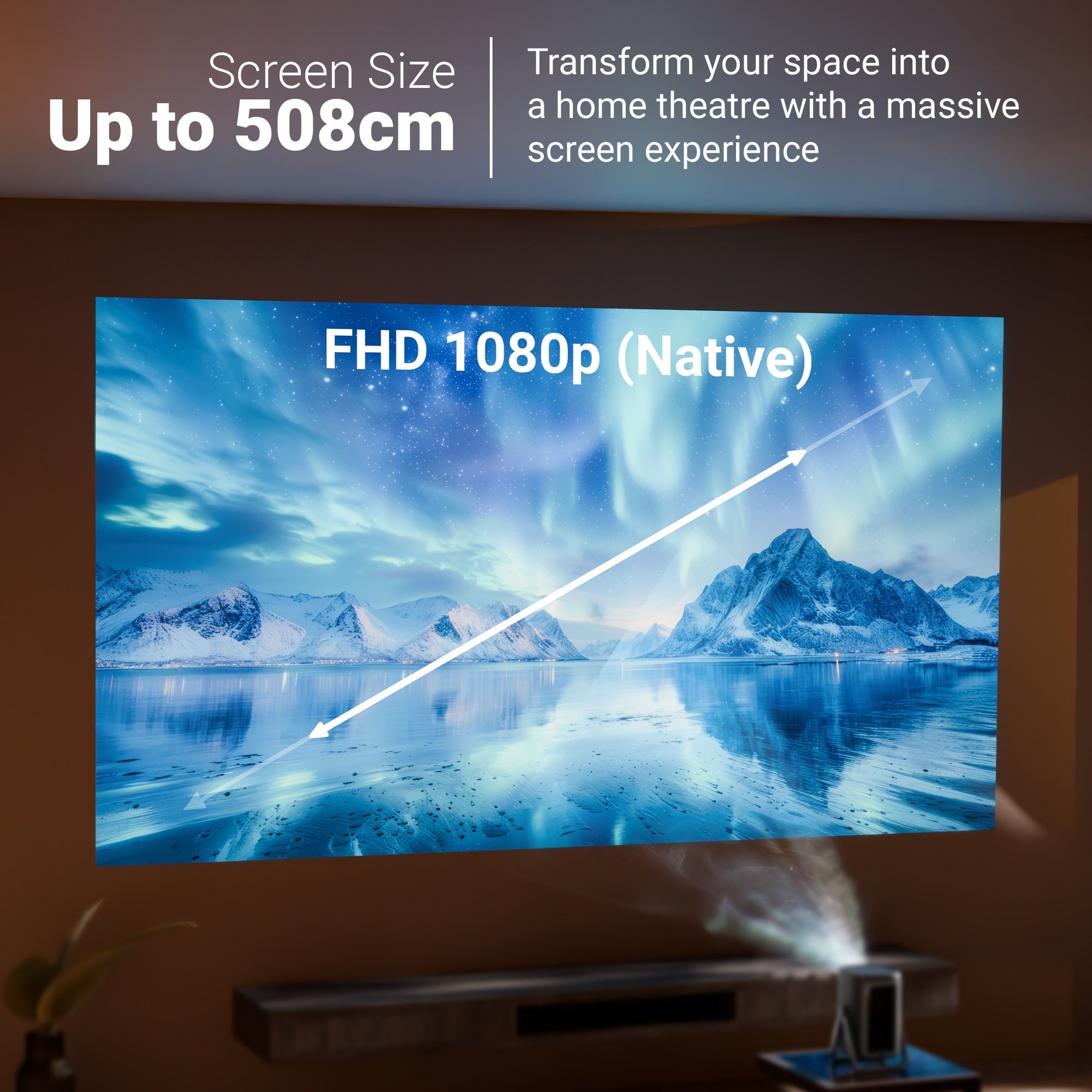
FHD 1080p (Native)

Upto 508cm Screen Size

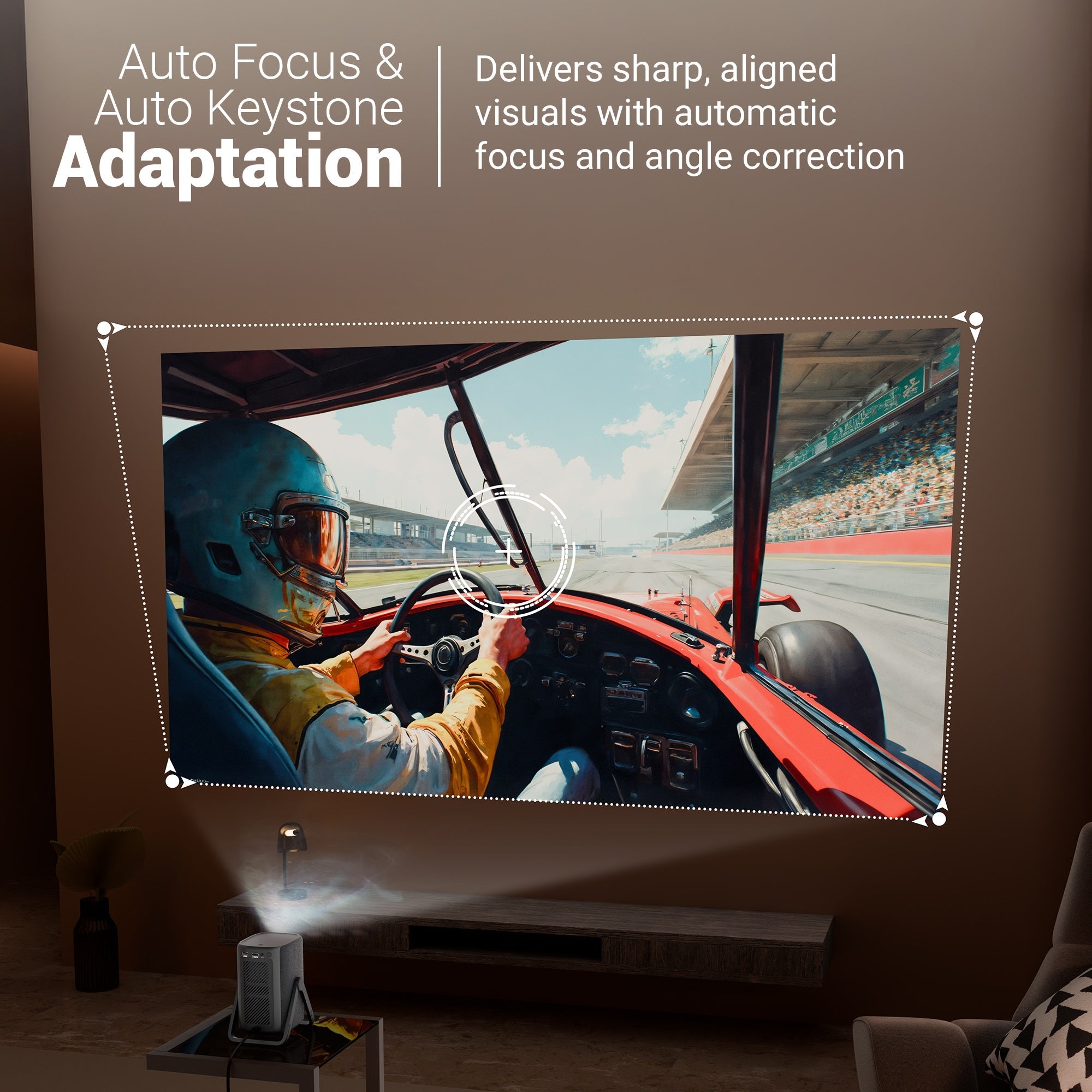
Auto Focus & Auto Keystone Adaptation

30000h Lifelong LED Lamp

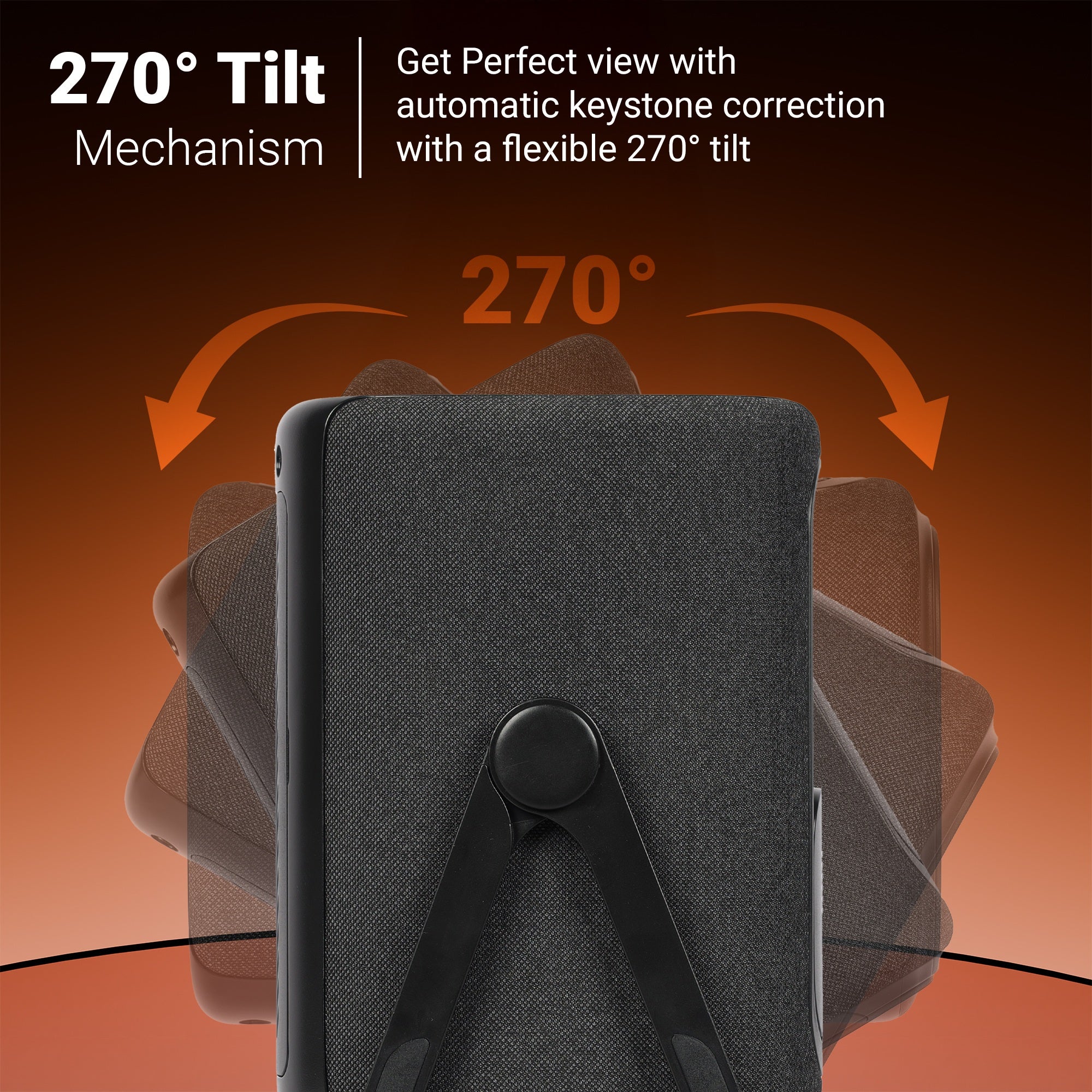
270° Tilt Mechanism

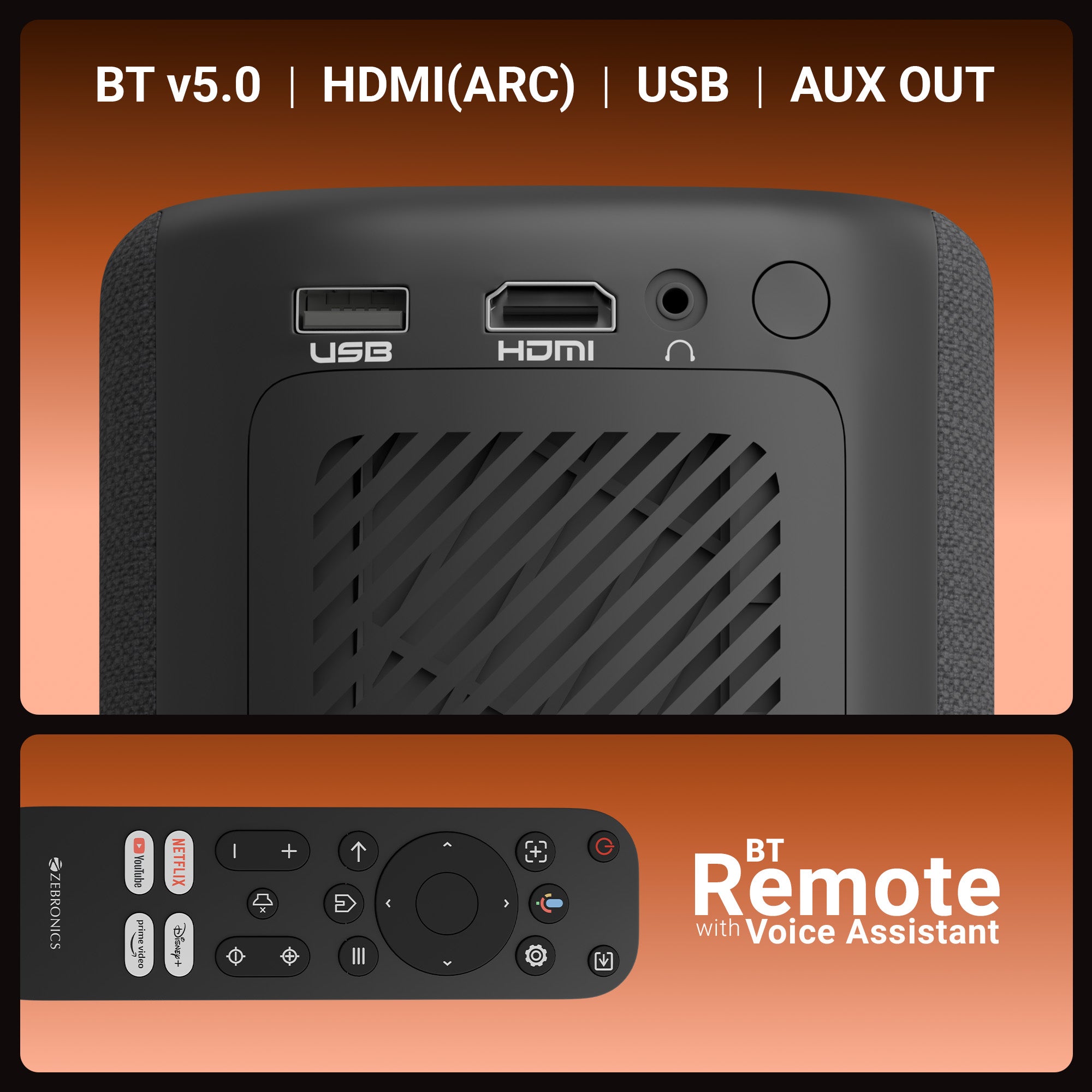
Multi Connectivity (BT v5.0| HDMI (ARC) | USB | AUX OUT )

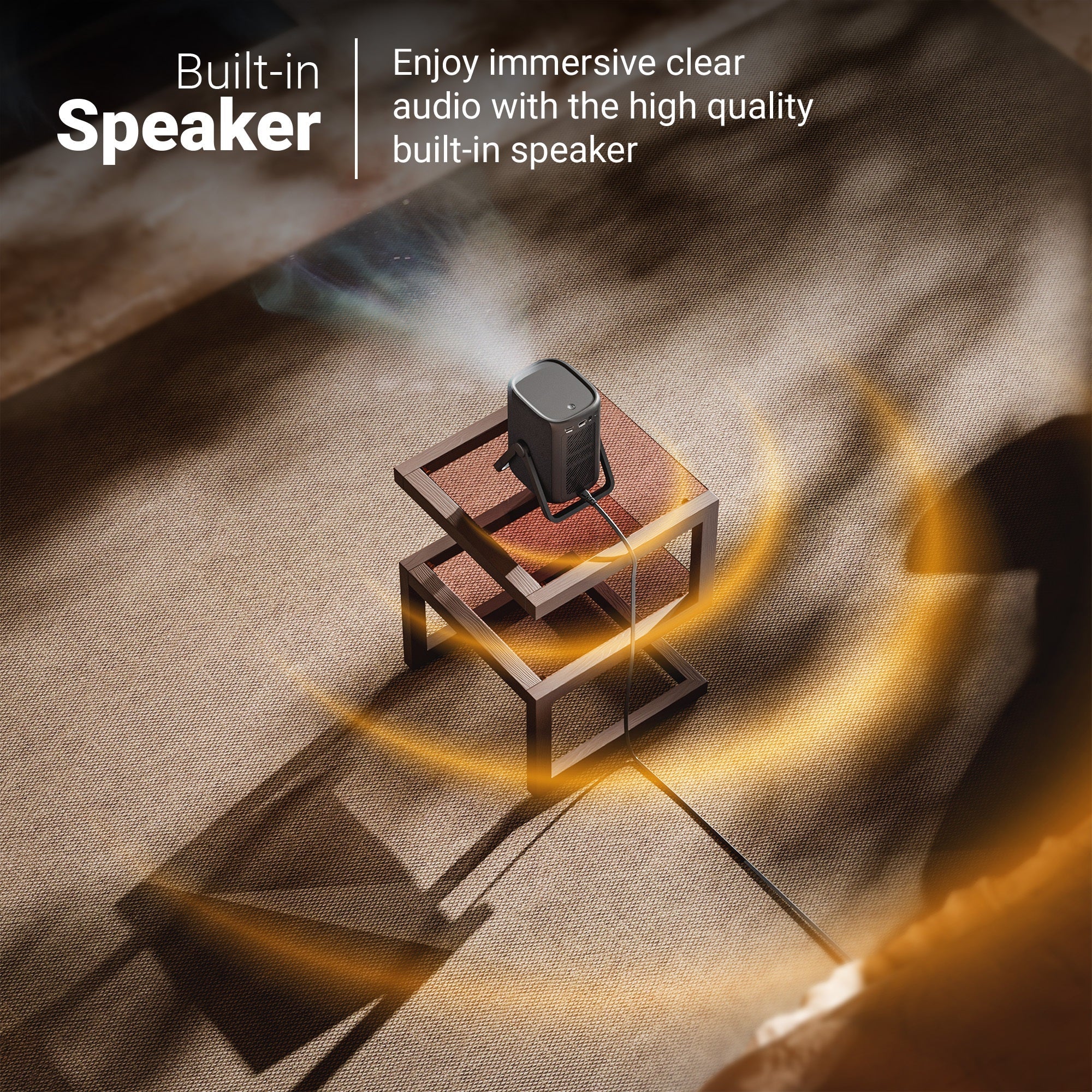
Built in Speakers

Dual Band Connectivity (2.4GHz & 5GHz)

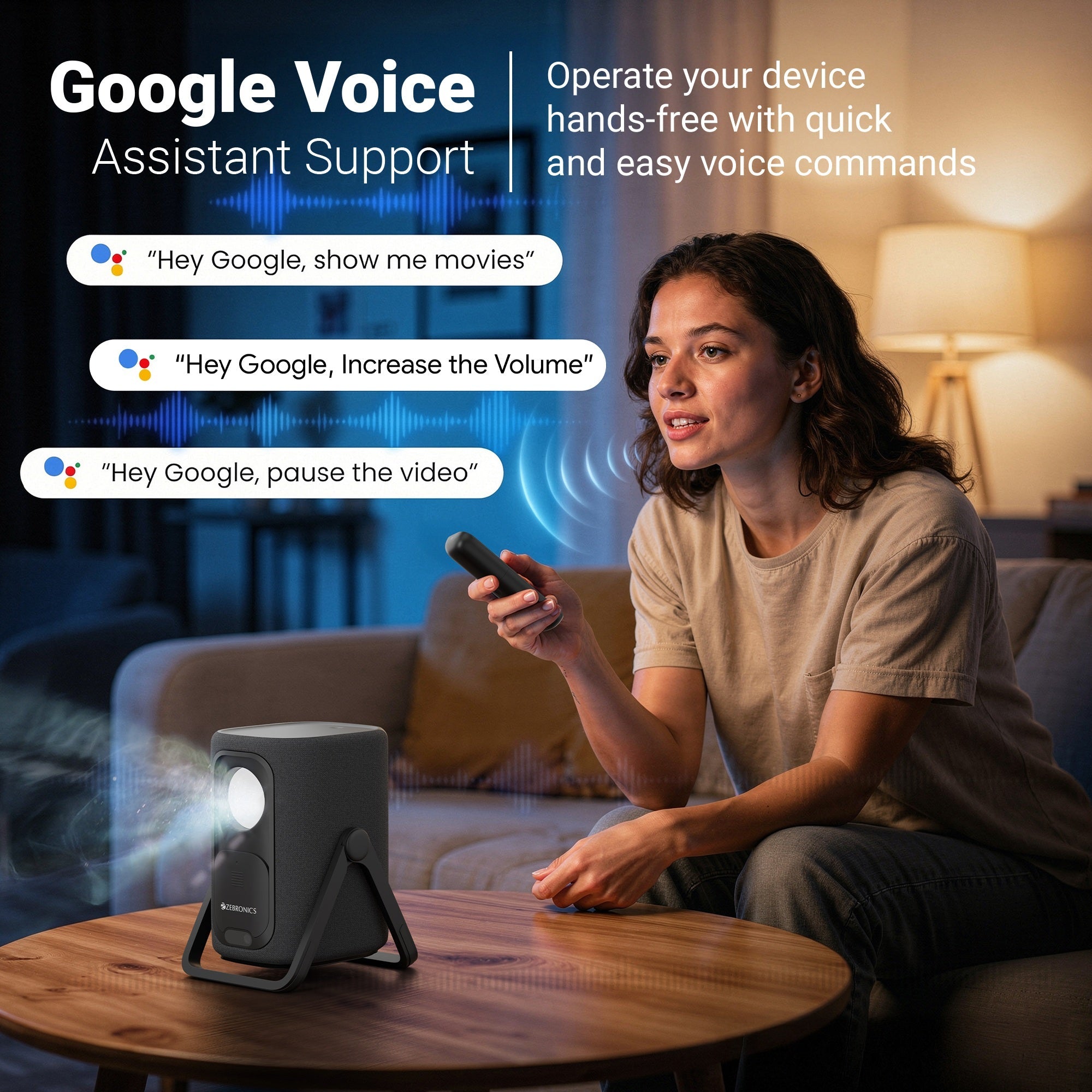
BT Remote with Voice Assistant

Quad Core Processor

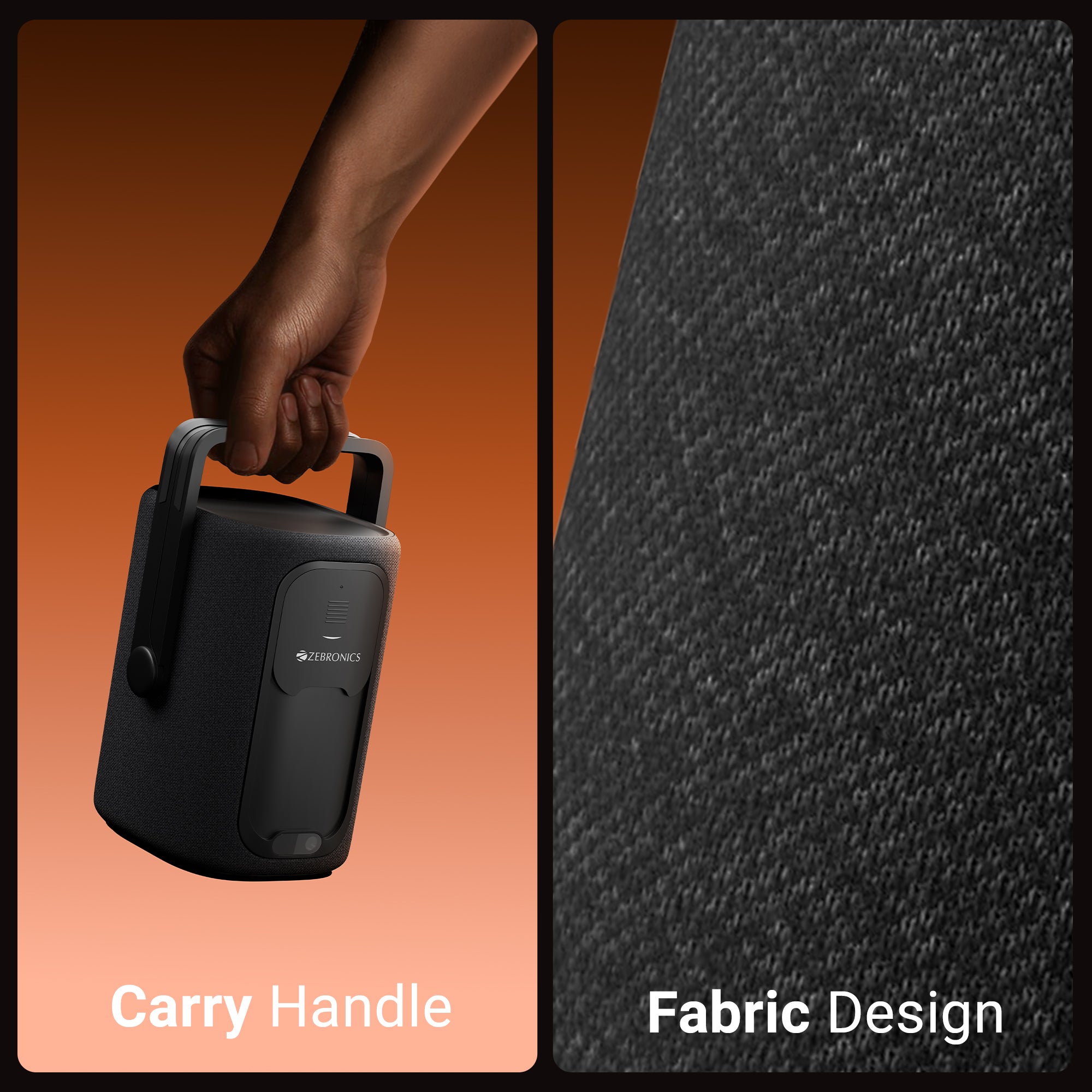
Fabric Design

Carry Handle

Smart Projector

APP Support

Lens Shield


Specification


Screen size 116-508cm

Native Resolution 1920x1080p

Max. Supported Resolution 4K

RAM 2 GB

Core Processor Quad Core Processor

Storage (ROM) 8 GB

Android Version 14

Wi-Fi Connectivity Dual Band Connectivity (2.4GHz & 5GHz)

Bluetooth version v5.0

Lamp Lifespan 30000h

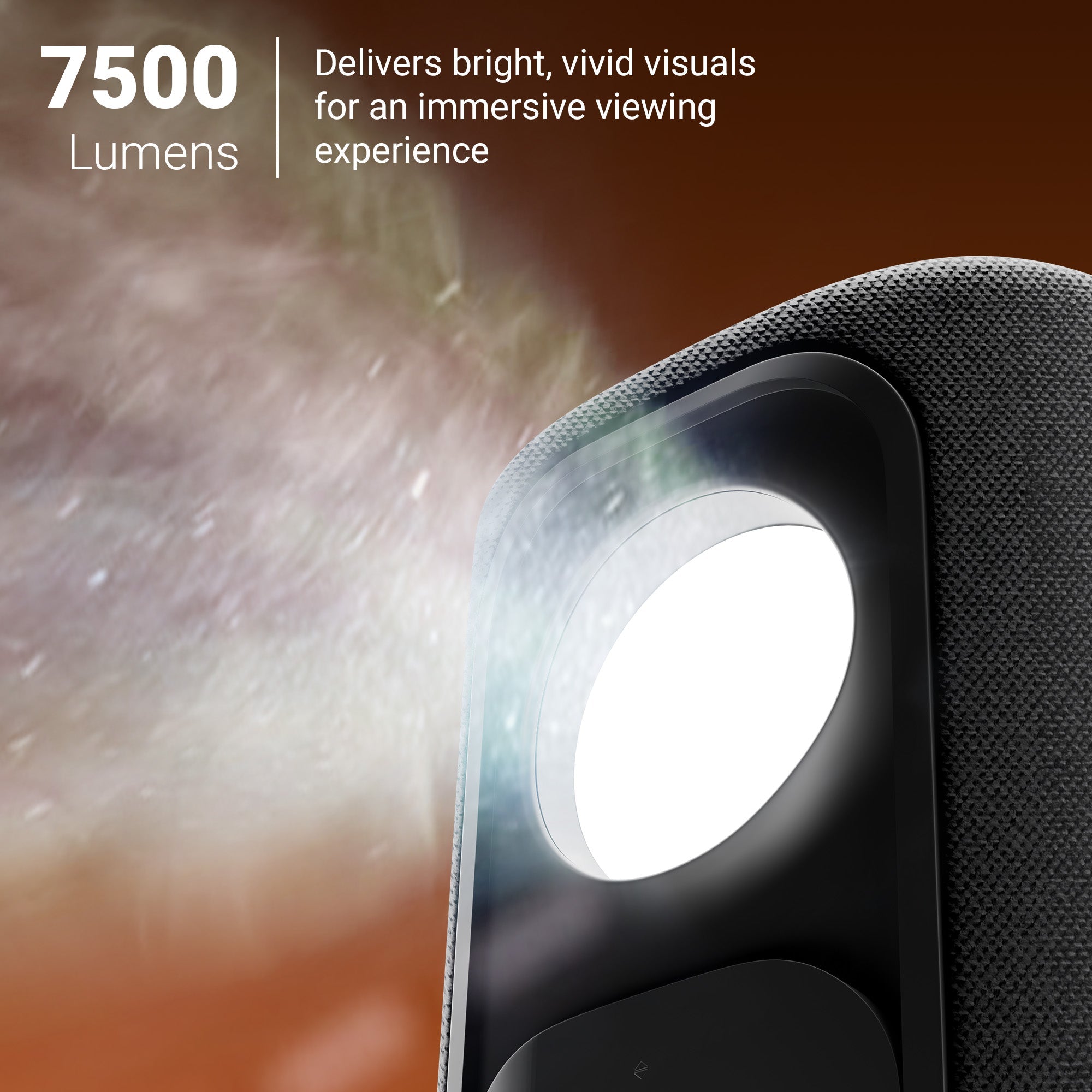
Brightness 7500 Lumens

Contrast ratio 5000:1

Projection Distance 1 - 6m

Port Interface BT v5.0| HDMI (ARC) | USB | AUX OUT

Video file format H.265, H.264, H.263, VP9, VP8, MPEG1, MPEG2, MPEG4, XVID, VP6,  MJPEG

Input Voltage AC 100-240V, 50/60Hz

Product Dimension (W x D x H) 13.8 x 14.3 x 22 cm

Package Dimension (W x D x H) 28.5 x 17.4 x 35 cm

Net. weight 1.4kg

Country of origin People’s Republic of China

Package Contents

Projector 1 U

Remote Control 1 U

Power Cord 1 U

HDMI Cable 1 U

QR code Guide 1 U

Cleaning Kit 1 U
  • 5 stars: 54 (73%)
  • 4 stars: 20 (27%)
  • 3 stars: 0 (0%)
  • 2 stars: 0 (0%)
  • 1 star: 0 (0%)
L
Lubna Fathima
Satisfied with the features

The PixaPlay 77G offers a good combination of Full HD projection, smart streaming, automatic focus and flexible positioning. It is a practical option for home entertainment, especially when used in a room with controlled lighting.

N
Nafisa Banu
Good for family gatherings

We use the projector to show videos and films during family gatherings. The large screen makes content easy to share with a group. Its portability and smart features are helpful for casual entertainment.

S
Shithik
Full HD picture quality

The native 1080p resolution provides detailed images for movies and streaming content. Text and subtitles are clear when the projector is properly focused. Picture quality is best enjoyed in a dim room with a suitable projection surface.

N
Nisha Krishnamurthy
Useful 4K input support

I like that the projector supports 4K input while providing native Full HD output. It is important to understand that the actual projection resolution is 1080p. For everyday streaming and home entertainment, the image quality is enjoyable.

A
Abhishek Sanyal
Google TV is a plus

Having Google TV built in is convenient for accessing supported streaming platforms. I can navigate content with the remote instead of connecting a separate streaming stick. The picture is enjoyable for everyday viewing.

K
Kabir Chawla
Auto focus works conveniently

Auto focus makes initial setup easier because I don't have to spend much time adjusting the image manually. Auto keystone adjustment is also helpful when positioning the projector. These features make setting up a home movie session convenient.

K
Kirthana Balaji
Nice big-screen experience

The large projected image makes watching films at home feel different from using a television. Picture detail is good in a dark room, and the automatic adjustments help simplify positioning and focus.

F
Farzana Rahman
Good movie experience

The large projected image makes movie nights more enjoyable than watching on a small screen. Colours look appealing in a darker room, and Full HD resolution provides good detail. The focus and alignment features simplify setup.

B
Bilal Farooqi
Good for casual gaming

The projector can be used with compatible gaming devices through HDMI. The large screen makes casual gaming more engaging. Performance will depend on the connected device and game, but the setup is convenient.

A
Anupama Pillai
Enjoyable home theatre

The large image makes films feel more immersive at home. Google TV provides convenient access to supported streaming services, and the projector is easy to reposition when needed. Picture quality is best in a dim room.

P
Prithvi Narayanan
Google TV is convenient

Having Google TV built in is a useful feature. I can access supported streaming apps without connecting a separate streaming device. The interface is convenient for everyday entertainment, and the voice-enabled remote makes navigation easier.

C
Charu Bedi
Useful HDMI ARC support

HDMI ARC is useful when connecting compatible audio equipment. It gives more flexibility for improving sound beyond the built-in speaker. The smart features and Full HD projection make this a convenient home entertainment device.

S
Simran Khatri
Helpful screen adjustment

The auto-keystone feature is useful when placing the projector on a table or adjusting its tilt. It helps align the projected image quickly. Auto focus also saves time, making the setup more convenient for regular viewing.

P
Pranav Desai
Great for documentaries

I enjoy watching nature documentaries on the projector because the larger image makes the scenes more immersive. Full HD resolution gives good detail, and the built-in smart platform makes streaming convenient.

J
Joseph Mathew
Good connectivity options

Dual-band Wi-Fi is useful for connecting to a compatible home network, while HDMI ARC allows compatible audio equipment to be connected. Bluetooth and USB support provide additional flexibility for different entertainment setups.

R
Roshni Bhat
Good for streaming at home

The projector is convenient for streaming movies and shows without an external streaming device. Google TV and Wi-Fi simplify access to supported services. Picture quality is good when the room lighting is controlled.

A
Aditi Venkatesh
Nice big-screen quality

The projector creates an enjoyable large-screen experience for films and series. Native 1080p resolution gives good detail, especially when the image is properly focused. A dim viewing environment helps improve the overall experience.

G
Gautham Krish
Handy carry handle

The carry handle is useful because I often move the projector between rooms. Its compact design makes repositioning easier, and the automatic focus feature helps reduce setup time when changing locations.

R
Rehan Mir
Convenient smart projector

The built-in Google TV system is a major convenience. Streaming supported apps directly means fewer cables and external devices. The projector is compact enough to move around, and its adjustable tilt gives flexibility when choosing a projection angle.

S
Saba Naqvi
Nice for weekend films

We use the projector on weekends for movies and series. The large image adds to the experience, and Google TV makes content selection simple. A darker room provides the most enjoyable picture.

T
Tanvi Deshpande
Useful home theatre setup

This projector is a practical choice for a home entertainment setup. Auto focus, keystone adjustment, HDMI ARC and built-in speakers reduce the effort needed to get started. For better audio, connecting an external sound system is worth considering.

N
Naren Subbaiah
Useful smart connectivity

Wi-Fi, Bluetooth, Google Cast and HDMI provide useful ways to connect devices. I like having streaming apps available directly on the projector. It makes the setup less cluttered and easier to use.

A
Akhil Varghese
Great for movie nights

A large projected screen makes family movie nights more enjoyable. The picture is detailed in a dim room, and Google TV gives convenient access to streaming content. The adjustable tilt is helpful when positioning the projector.

A
Amna Yusuf
Good for online content

The projector works well for online videos, tutorials and streaming shows. Full HD resolution gives a clear picture, and the remote makes navigation convenient. It is useful for both entertainment and occasional educational viewing.

N
Noor Jahan
Easy streaming experience

I like being able to open supported streaming apps directly on the projector. It keeps the setup simple and reduces the need for additional devices. Picture quality is good for everyday films, shows and online videos.

T
Tejaswini Rao
Easy focus adjustment

Automatic focus is useful when setting up the projector in a new position. It saves time and helps make the image clearer without repeated manual adjustment. The automatic keystone feature is also convenient.

S
Sandeep Rathore
Compact and practical

The compact design makes the projector easy to reposition around the house. I can set it up for movie viewing and store it away afterwards. Auto focus and keystone adjustment are useful for quick setup.

A
Akram Pasha
Compact smart projector

I like that this projector combines a compact design with built-in smart features. It is easy to move, and Google TV makes accessing supported apps straightforward. The large image is enjoyable for movies at home.

I
Ishani Mukherjee
Clear subtitles

Subtitles are easy to read when the image is properly focused. The Full HD resolution provides a good level of detail for films and streaming series. I recommend using a smooth, light-coloured projection surface for a better result.

M
Meghana Gowda
Good for family movie nights

The projector is useful for creating a home movie experience. The large image gives everyone a comfortable view, and the built-in speaker is handy for simple setups. An external sound system can be added if desired.

D
Danish Merchant
Useful voice remote

The voice-enabled remote makes searching for shows and navigating the interface more convenient. Google TV is useful for accessing supported apps, and the overall experience feels straightforward for regular home entertainment.